Sorting
Rules, on-device similarity and suggestions: how captures without a Focus find a topic.
Sorting only applies to captures made with no Focus. A capture made with a Focus set, or filed by you, is never moved by sorting. Each capture records what was in front of you when you made it: the app, the window title and, in a browser, the page address and title. Sorting uses that, plus the capture’s own words.
1. Your rules
Rules run first and always win. The first rule that matches files the capture. Add them in a topic’s Rules tab, or with Make a rule from this on any capture, which fills itself in and shows what it would match.
| Rule on | Example |
|---|---|
| Web address host | *.stripe.com files anything captured on a Stripe page. |
| Web address path | /checkout/* |
| App | Figma (the app name, or its bundle id on macOS) |
| Window title | *Pull request* |
| Keyword | invoice: a whole word in the note, transcript or the text read from a screenshot. |
* matches anything, ? one character. Matching ignores case.
2. On-device similarity
If no rule matches, the capture is compared with every topic on your computer. On macOS that uses Apple’s on-device language model; on Windows and Linux, a small similarity model the app downloads in setup. Until it has arrived, rules and your own choices do the sorting. Nothing is sent anywhere. Each topic is compared against its own usual level, because some topics are naturally broad.
Similarity files a capture only when all three hold: the match is well above that topic’s usual level, it beats the next topic clearly, and the capture shares at least one distinctive word with the topic. Otherwise the best topic is offered as a suggestion and the capture waits in Unsorted. In practice most similarity results are suggestions, which is deliberate: a wrong guess you do not notice costs more than one key press.
How careful it is can be set in Settings, Focus and sorting. Sorting runs twice: once with the app and window alone, and again when the transcript or screenshot text is ready.
3. You, in Unsorted
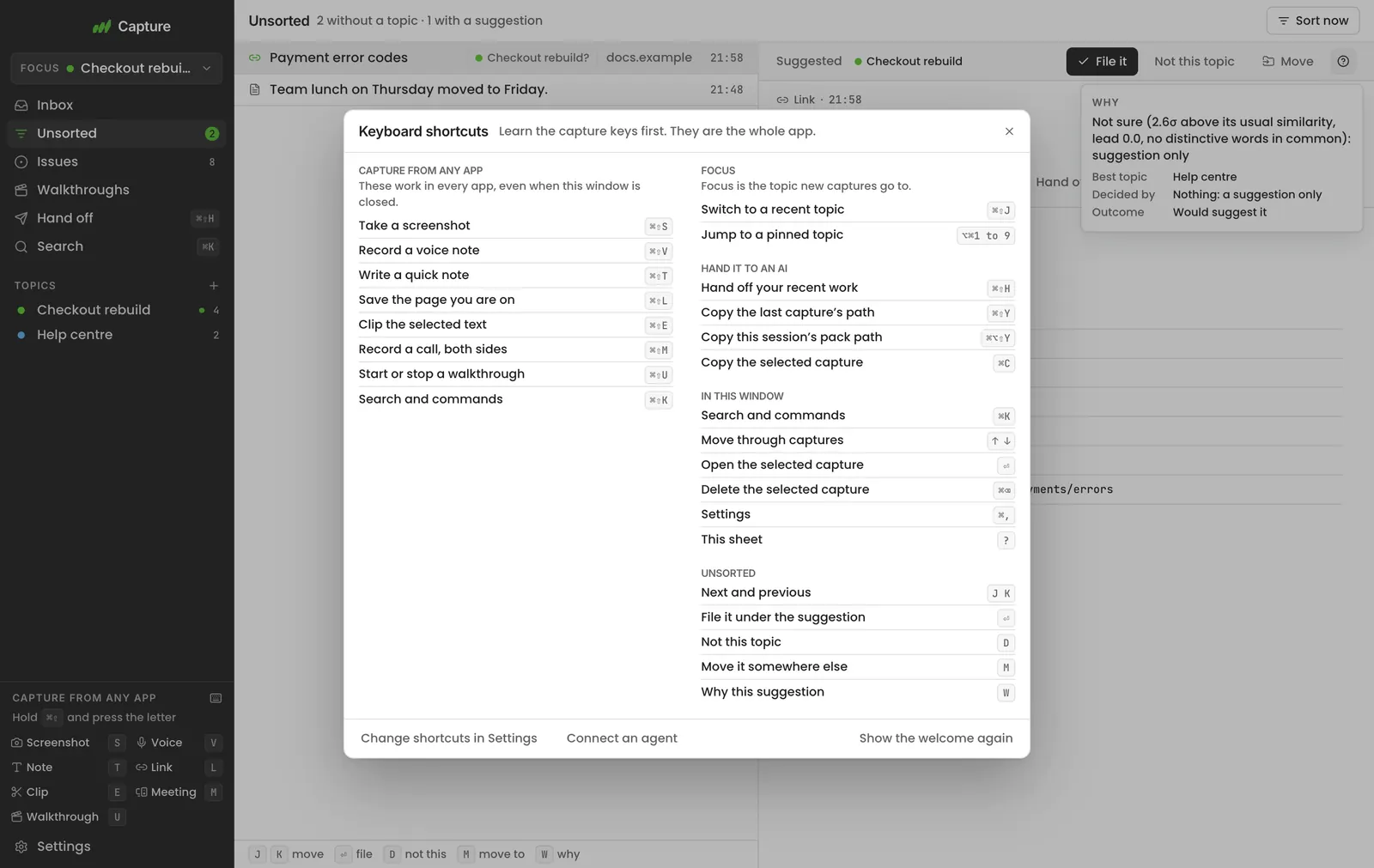
- ↵ or File it: accept the suggestion.
- D or Not this: dismiss it. The capture stays in Unsorted.
- M: move it to any topic.
- W: show why. Every decision records which layer made it and how strong the match was.
- Sort unsorted now runs sorting again over everything waiting, for example after you add a rule.
Sorting can be turned off. Then captures without a Focus simply wait in Unsorted.